Every website you visit knows more about you than you think. Your location. Your device. Your battery level. Whether you’re using incognito mode. Even which browser you’re using — and that you used a different one yesterday.
No cookies. No login. No permission asked.
We built Your Online Footprint to show you exactly what that looks like — in real time, on your own device.
Why We Built This
There are fingerprinting tools out there. Some ask for consent before showing you anything — which kind of defeats the point. Others dump pages of raw data that only a developer could love. A few look like academic papers. And most of the rest are built for people managing fake browser profiles, not regular internet users.
None of them are built to make you feel it.
We wanted something different. Not a spreadsheet. A wake-up call.
What Happens When You Visit
The moment you open the tool, your browser starts talking. Not to us — to itself. We just listen and show you what it’s saying.
The experience is a series of cards you swipe through. Each one reveals something different about what websites can silently collect.
“Found You.” — Your IP address gives away your city, your internet provider, and your approximate coordinates. Combined with your timezone, websites know exactly where you are. No GPS needed.
“You Can’t Hide.” — Think using Chrome for work and Brave for personal keeps your identities separate? Your CPU, RAM, GPU, and screen resolution are the same across every browser on your device. Websites can stitch your identities together using hardware alone.
“Your Browser Talks.” — Websites know your installed fonts, whether you use dark mode, whether you have an ad blocker, and whether you’ve enabled Do Not Track. That last one is ironic — enabling it actually makes you more identifiable, not less.
“Battery Tax.” — Yes, websites can read your battery level. This isn’t for your benefit. Ride-sharing and flight booking apps have been caught raising prices when your battery is low — exploiting your urgency to book before your phone dies.
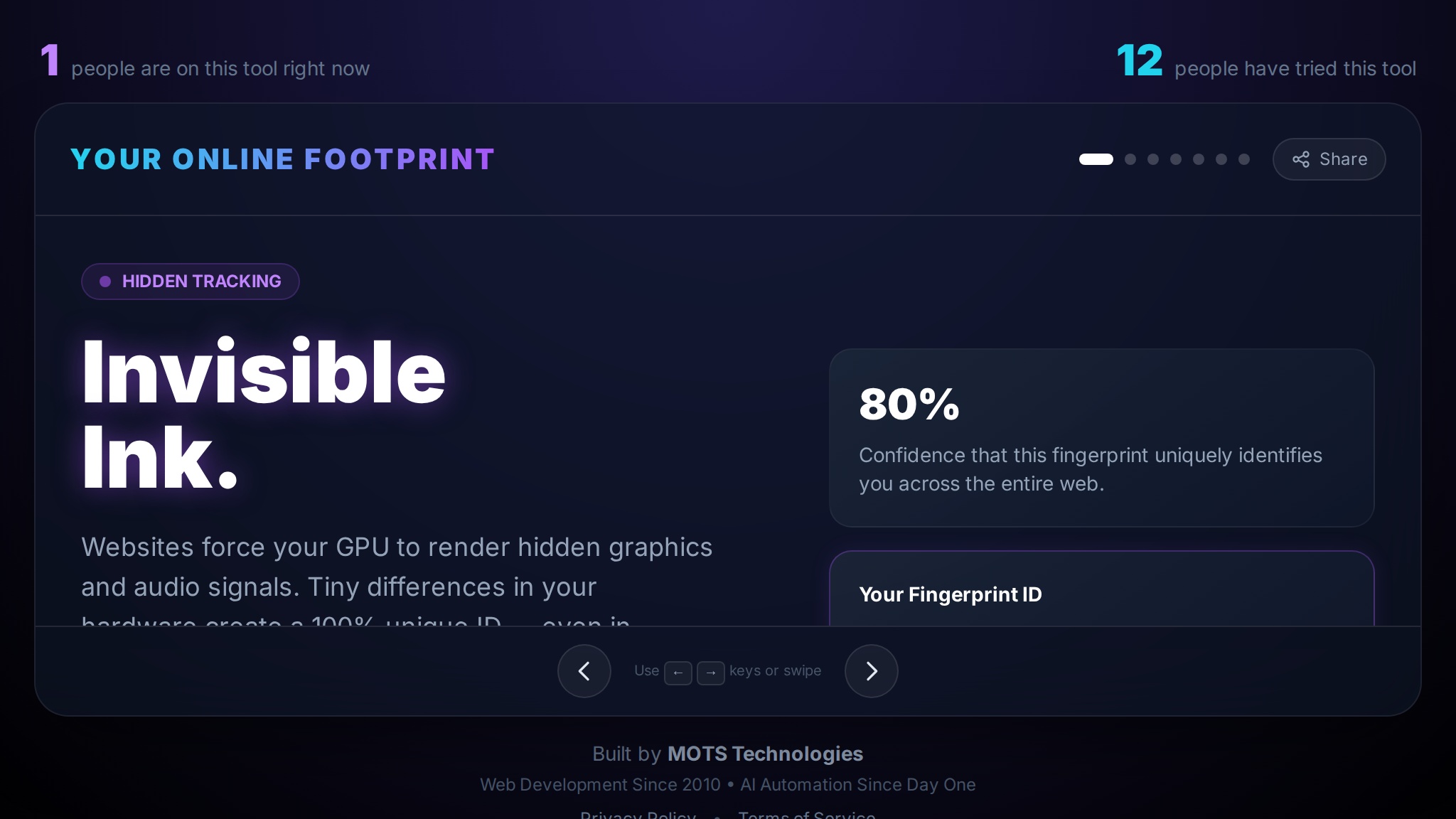
“Invisible Ink.” — Your device renders graphics and audio in a way that’s slightly different from every other device. Websites use this to create a unique ID that survives clearing cookies, using incognito, and restarting your browser.
“We Know You.” — This is the card that gets the biggest reaction. If you’ve visited the tool before on a different browser and entered your name, we’ll greet you by name when you come back — on any browser. No cookies. No login. Just your hardware. This is the moment it becomes real.
Why This Matters
Most people think incognito mode or clearing cookies keeps them private. It doesn’t. Browser fingerprinting doesn’t need cookies. It doesn’t need your permission. It works by reading what your browser freely gives away — which is a lot.
We’re not saying this to scare you. We’re saying it because the first step to protecting yourself is understanding what you’re up against.
What Makes It Different
Most fingerprinting checkers treat you like a test subject. Ours tells you a story. Each card has a headline, a plain-language explanation, and your actual data displayed right next to it. You don’t need to be technical to understand what’s happening.
The cross-browser recognition is the feature we’re most proud of. Telling someone “websites can track you across browsers” is abstract. Showing them their own name, pulled from a completely different browser using only their device’s hardware signature — that’s concrete. That’s the difference between information and understanding.
Try It Yourself
Visit footprint.motstech.in and swipe through the cards. Then open a different browser on the same device and see if it recognizes you.
If it surprises you, share it with someone who needs to see it.